

cửa hàng trực tuyến
đặt dịch vụ
sự kiện
cửa sổ bật lên
- 40%
Floating Navigation Menu
Của
Floating mobile menu for easy site navigation
Chưa có bài đánh giá nào
Có gói miễn phí

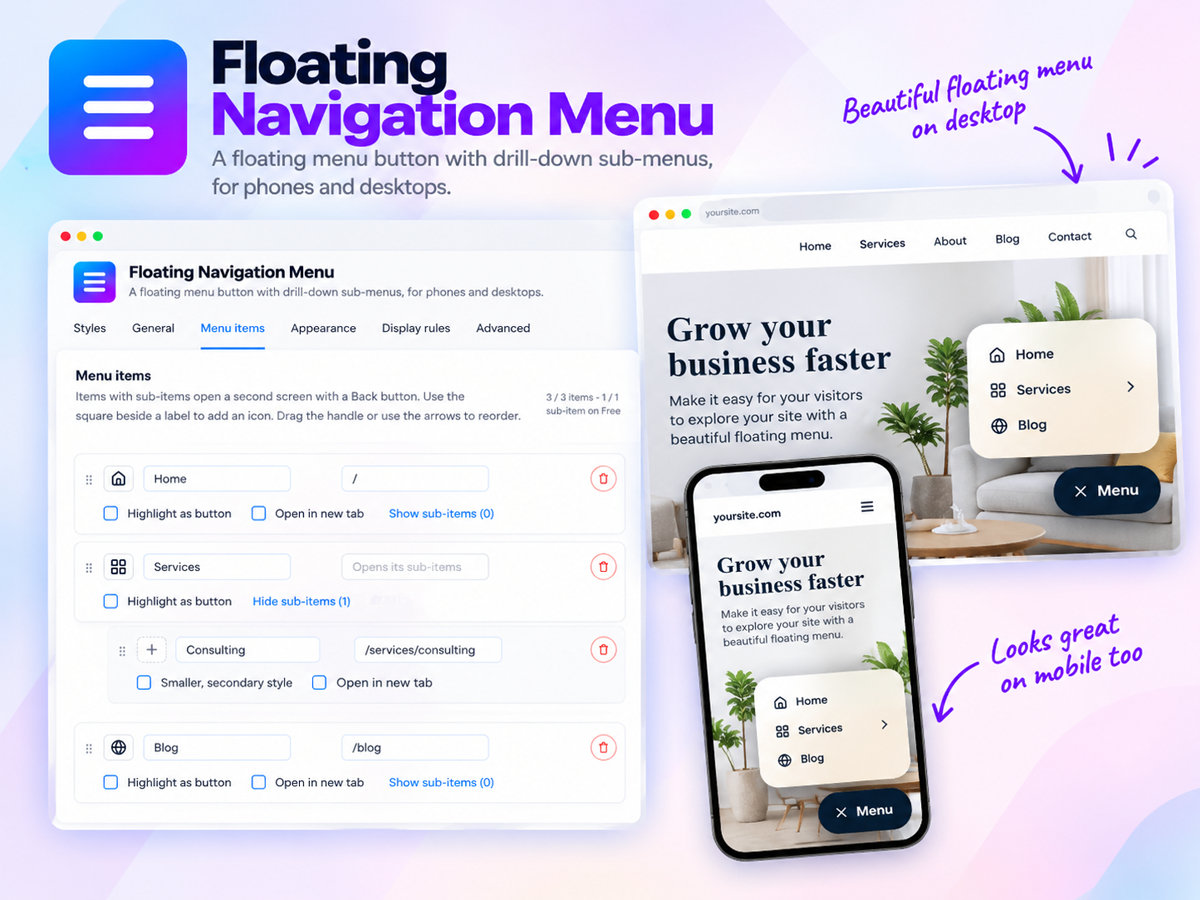
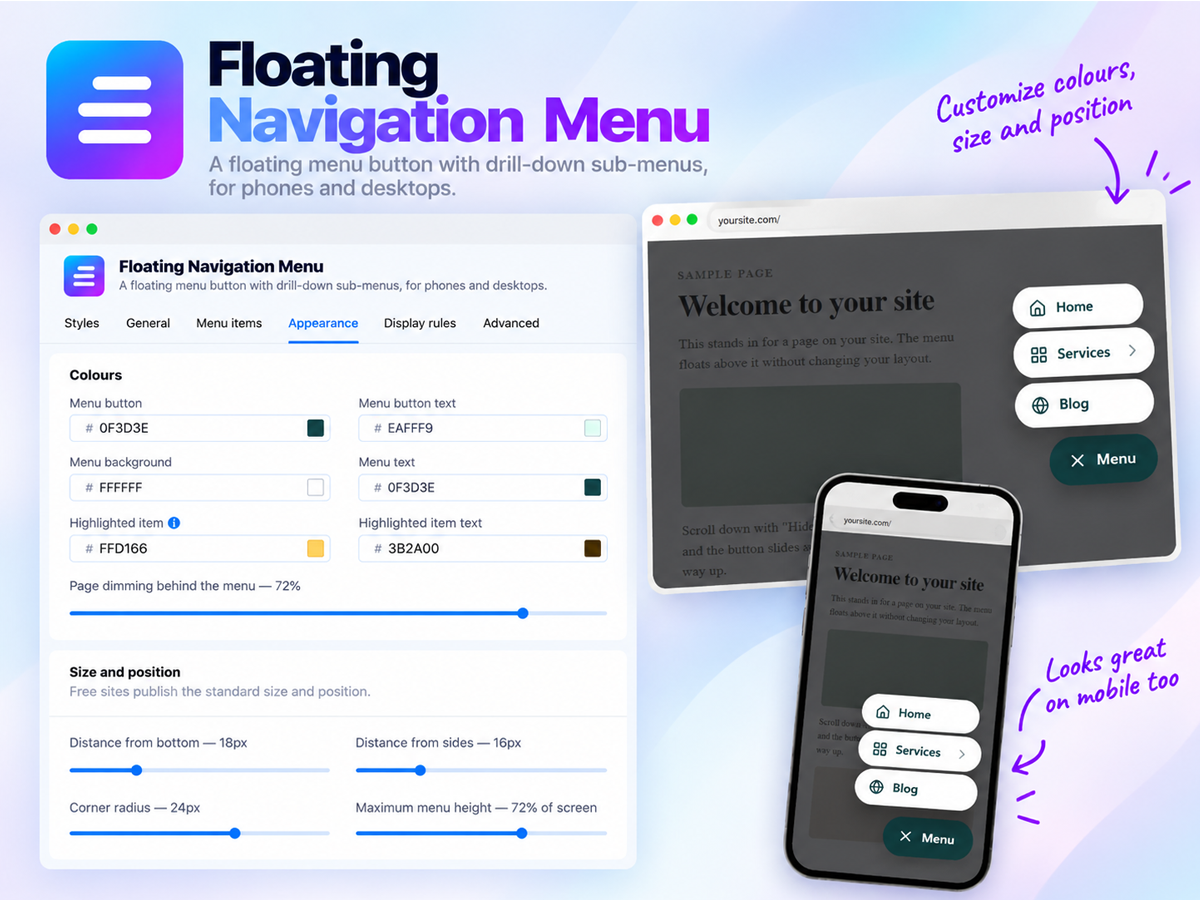
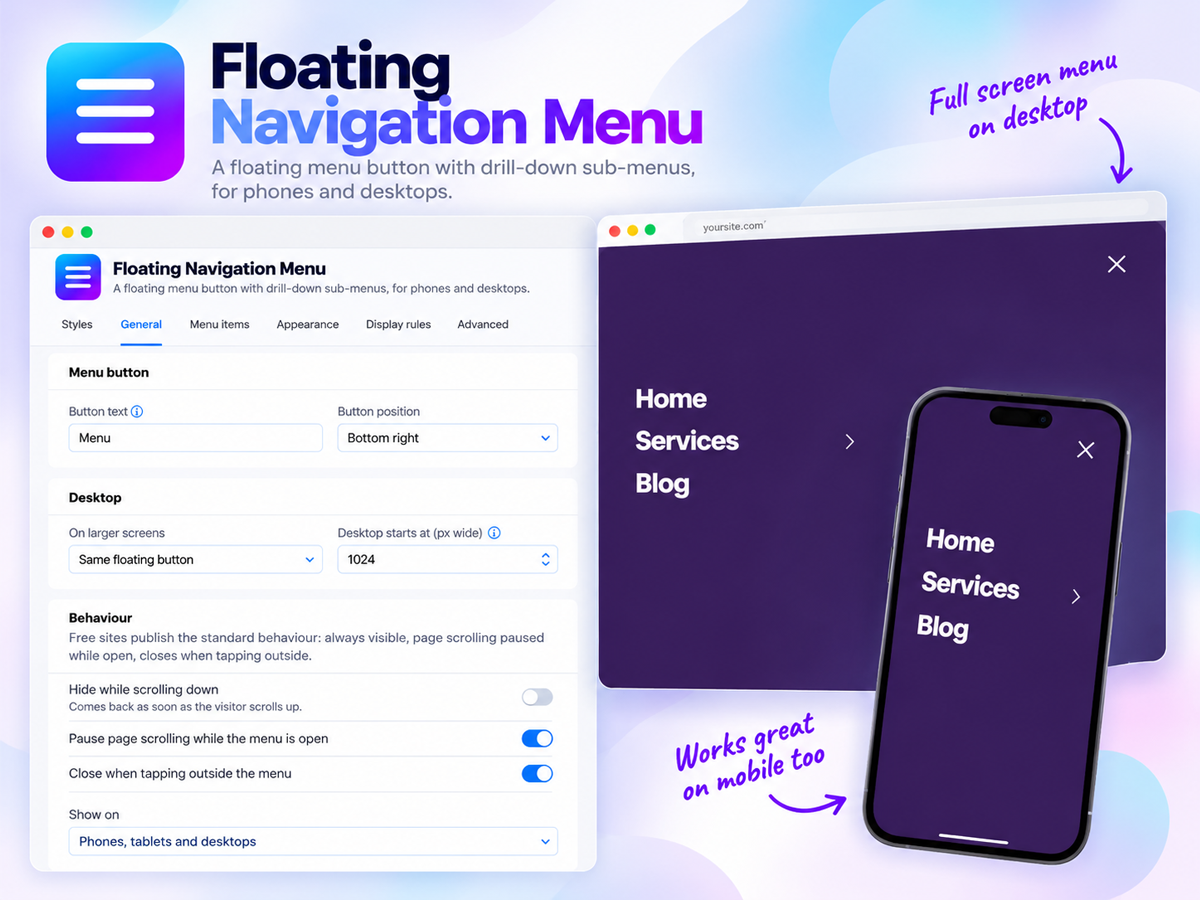
Tổng quan về Floating Navigation Menu
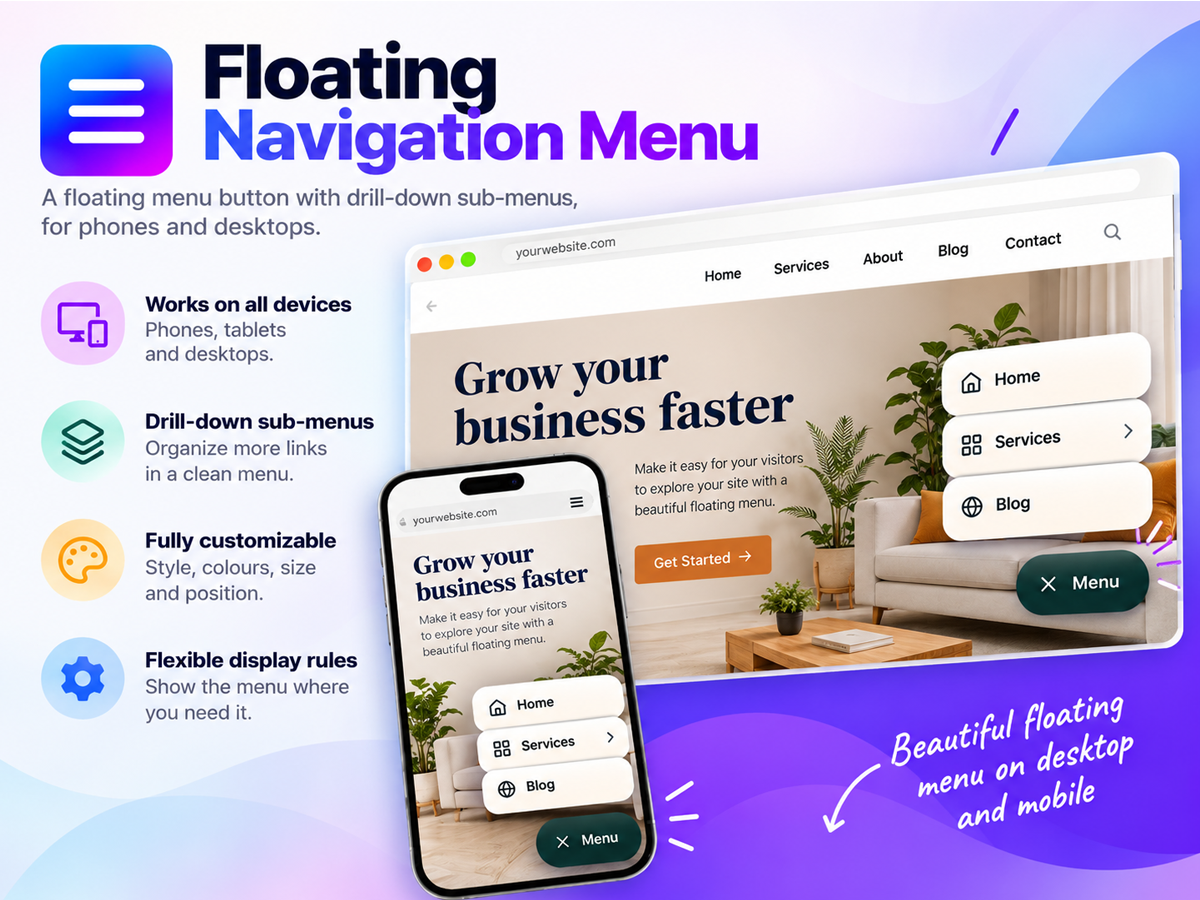
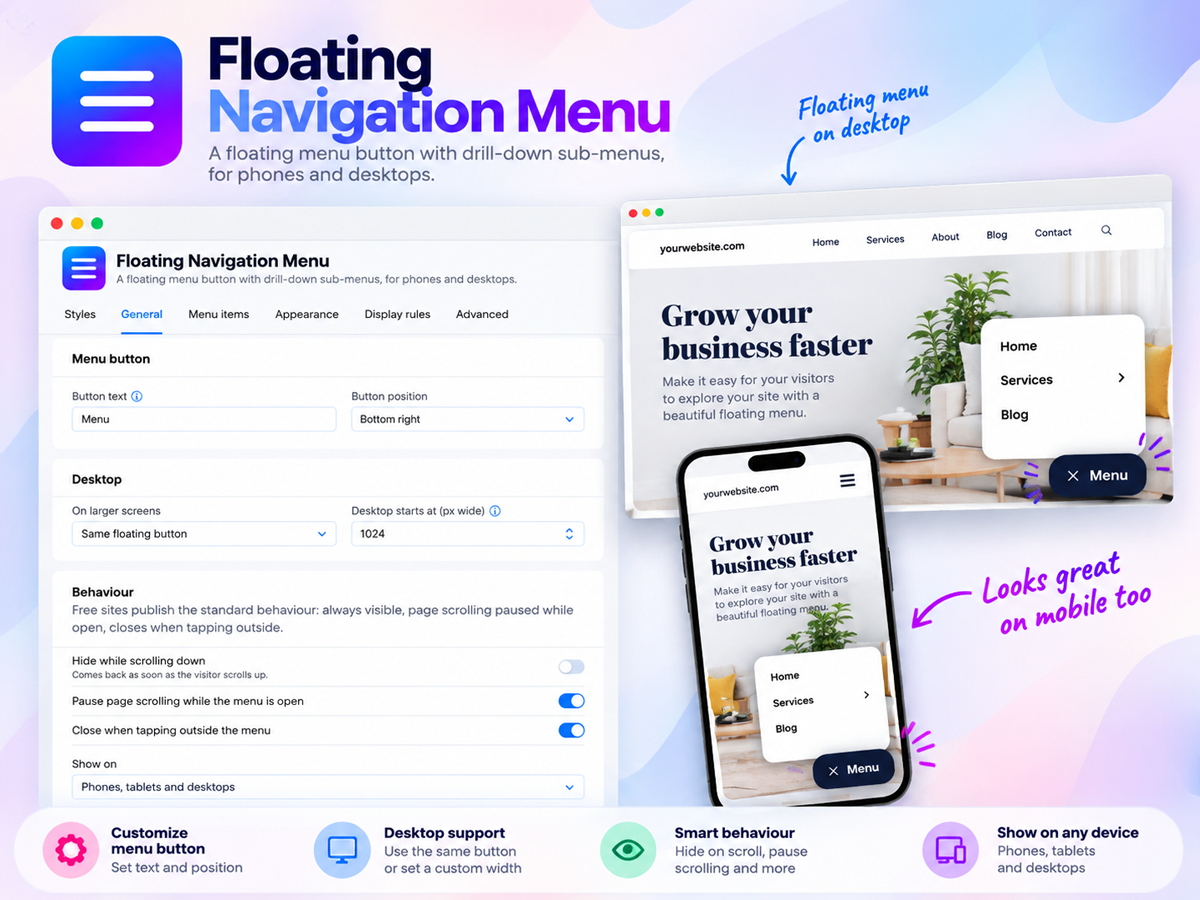
- Always within reach on mobile and desktop: Add a floating menu button that stays on screen as visitors scroll, so your navigation is one tap away on every page instead of hiding in a header that scrolls out of view, and place it in any corner or tuck it away while visitors read
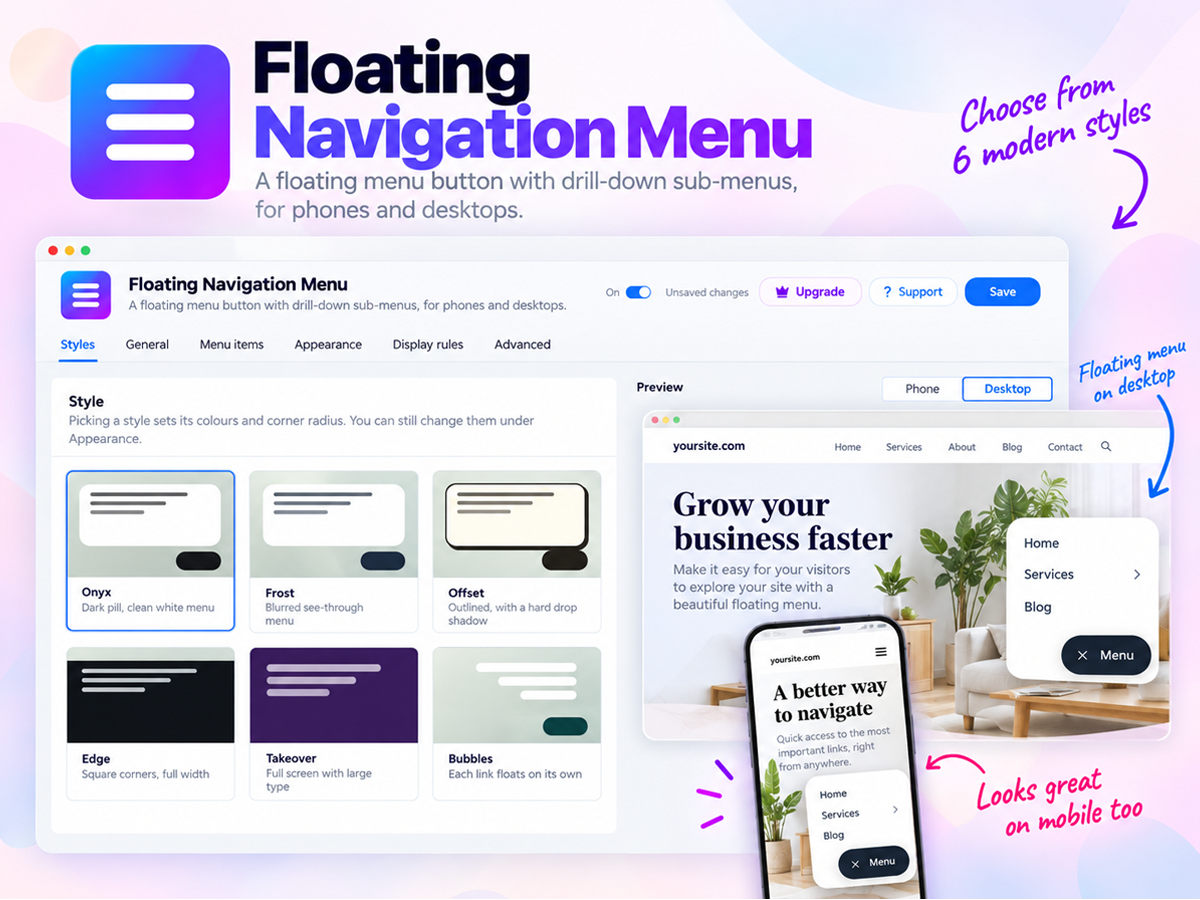
- Six ready made styles that match your brand: Choose from our styles Onyx, Frost, Offset, Edge, Takeover and Bubbles, then set your own colors, text size, corners and position in a few clicks and watch every change in a live preview before you publish, with no code needed
- Dropdown menus with a clear call to action: Add up to 10 menu items with sub-items for your services, products or pages, and feature your most important link as a bold button so visitors head straight to your contact, booking or shop page, with an optional top bar with dropdowns on desktop
- Smart display rules for the right visitors: Show the menu only on the pages you pick, only to site members or only to guests, highlight the page each visitor is on so they always know where they are, and fine tune the finished look with custom CSS
Danh mục
Tình trạng sẵn có:
Ứng dụng này sẵn có trên toàn thế giới.Ngôn ngữ ứng dụng:
Tiếng Anh
Được đề cao trong
O
Ứng dụng được phát triển bởiOverLayout
Xếp hạng & đánh giá
Ứng dụng này chưa nhận được bất kỳ đánh giá nào, hãy là người đầu tiên xếp hạng ứng dụng.Giá và gói
Gói Basic
Miễn phí
Floating menu button on every page
Up to 3 menu items and 1 sub-item
Custom colours and button text
Preview Premium features before buying
Gói Premium
- 40%
$
2
99
/tháng
$499
6 style access and future styles
Add more menu items and sub menu items
More controls and Desktop dropdown
Display Rules to control it & Support
* Giá tính bằng USD.
* Ưu đãi này có hiệu lực đến 23:59 25 tháng 10, 2026 theo giờ UTC. Nhà phát triển ứng dụng có quyền kết thúc ưu đãi bất cứ lúc nào và điều khoản của chương trình có thể thay đổi.